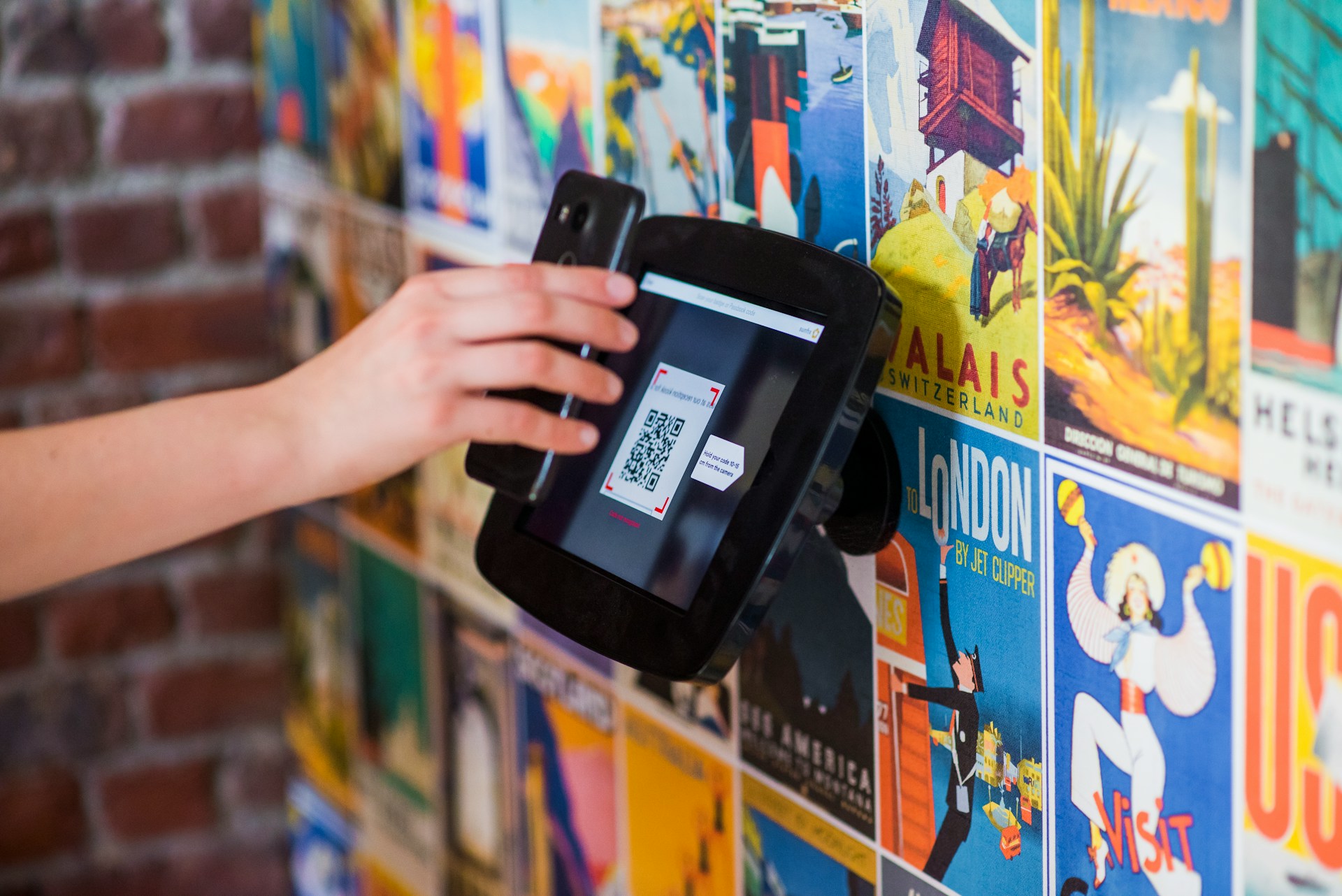
Understanding QR Code Data
QR codes, short for Quick Response codes, encode data in geometric patterns readable by cameras or scanners. At its core, a QR code translates information—like URLs, text, contact details, or Wi-Fi credentials—into a two-dimensional matrix of black and white squares.
For example, a standard QR code can store up to 4,296 alphanumeric characters or 7,089 numeric characters, depending on its version and error correction level. Version numbers range from 1 to 40, each increasing data capacity and code size.
Practical uses vary widely: event tickets often embed unique codes linked to a database, while product packaging might store direct links to online manuals. In 2023, over 11 million US consumers scanned QR codes monthly, reflecting their ongoing relevance.
The design includes error correction—allowing recovery if part of the code is damaged—which adjusts how much data can fit inside. Version 5, released back in 2003, became a turning point in balancing size and content.
Misconceptions and Issues
Many assume QR codes just hold URLs. Yet, they encapsulate far more: vCards, geolocation data, calendar events, and payment information, all formatted according to strict encoding rules.
Confusing QR size with data capacity causes problems. People sometimes cram excessive data into tiny QR codes, resulting in scanning failures caused by dense patterns or poor printer resolution. That defeats the whole purpose of quick access.
Another frequent error lies in overlooking error correction levels (L, M, Q, H). Choosing too low a level risks corrupted scans under real-world conditions such as scratches or dirt.
These flaws matter because failed scans tarnish user experience and waste marketing efforts. In logistics, a faulty QR can delay shipments and increase costs.
Practical Ways to Optimize Codes
Choose the Right Version
Select the smallest QR code version that fits your data plus error correction to keep scanning smooth. Using version 10 or above for simple URLs often leads to unnecessarily bulky codes, so pick judiciously.
Set Appropriate Error Correction
For outdoor applications with exposure risks, opt for level Q or H, recovering up to 30% of the data if damaged. For indoor use on brochures, M or L suffices and allows more data inside.
Encode Data Efficiently
Structure the content before creating the QR code. Convert hyperlinks to short URLs—Bitly reported reducing link length by 60% cuts QR complexity drastically.
Test Across Devices
Scan codes with multiple apps and cameras under different lighting. Apps like ZXing Decoder require manual steps but reveal raw data contents, essential to verify data integrity.
Use Dynamic QR Codes Wisely
Dynamic QR codes store a short redirect URL instead of all data inside, allowing real-time content updates without changing printed codes. Services like QR Code Generator Pro reported a 40% rise in campaign click-through rates using dynamic over static.
Maintain Visual Clarity
Keep quiet zones (empty margins) around the code clear of text or graphics. At least four modules wide ensures scanners distinguish code edges. Neglecting this causes repeated scan failures.
Secure Sensitive Data
Encrypt private details or limit exposure by embedding tokens that query secured servers rather than exposing raw data inside the QR code—standard in financial services since 2022.
Include Redundant Information
Add human-readable text below the QR for fallback. For instance, a URL or contact number printed can save situations when scanning fails or devices lack apps.
Automate Code Generation
Use APIs like Google Charts or QRickit to program QR codes dynamically, ensuring consistency and easy bulk creation for marketing or SCADA tagging projects.
Real-World Examples
Take an e-commerce brand that struggled with manual QR code printing for product linking. They switched to version 7 static codes with M error correction. Scanning success jumped from 75% to 98% after recalibration.
Another firm, a conference organizer, used dynamic QR codes for badge check-ins. Adjusting link destinations on the fly improved visitor engagement by 27% versus static, because attendees accessed schedules and speaker bios instantly and updated live.
Checklist for QR Code Success
| Step | Action | Why | Outcome |
|---|---|---|---|
| 1 | Analyze data size | Match code version | Efficient size |
| 2 | Select error correction | Match environment | Better readability |
| 3 | Use URL shorteners | Reduce code density | Faster scans |
| 4 | Test across apps | Validate encoding | Consistent reads |
| 5 | Add quiet zones | Prevent edge interference | Reliable scans |
Frequent Errors to Avoid
Ignore QR code size rules, and you'll frustrate users. Cramming data into a version 1 QR—only 21x21 modules—is a common rookie mistake that makes tiny black blocks unreadable on average smartphone cameras.
Another problem: placing logos or branding over the code ruin its pattern if not done cautiously. Use high error correction but test on every platform regardless.
Many gravitate toward static QR codes out of habit, missing opportunities to update links or analyze scans via dynamic services. This results in stagnant campaigns and lost engagement.
Underestimating the printing surface and material matters, too. Glossy or reflective packaging often distorts the image, requiring adjustments in contrast or varnish application.
FAQ
What is max data in a QR?
Up to 4,296 alphanumeric characters in large versions with low error correction.
Can QR codes store images?
No. They encode data strings, not binary image files; images require links to external storage.
Are all QR codes scannable by phones?
Most modern smartphones scan QR codes natively, but complex or damaged codes may fail without a specialized app.
What affects scan speed?
Higher data density, low contrast, poor lighting, and damaged codes can slow recognition.
How secure is QR data?
Information inside is unencrypted unless you add protective layers outside the code, like HTTPS links or tokens.
Author's Insight
Years of working with QR implementations showed me how small details matter: choosing the right version avoids tons of headaches. Sometimes simple is better; no need to pack everything in one code. Testing on real devices beats theory every time, since specs often miss how users scan in practice.
Summary
QR codes are more than black and white patterns; they carry diverse encoded data structured by version and error correction. Misjudging their capacity or environment leads to poor scan rates. Use dynamic codes for flexibility and always validate your outputs across devices. A well-made QR saves effort for everyone scanning it—and your goals met faster.