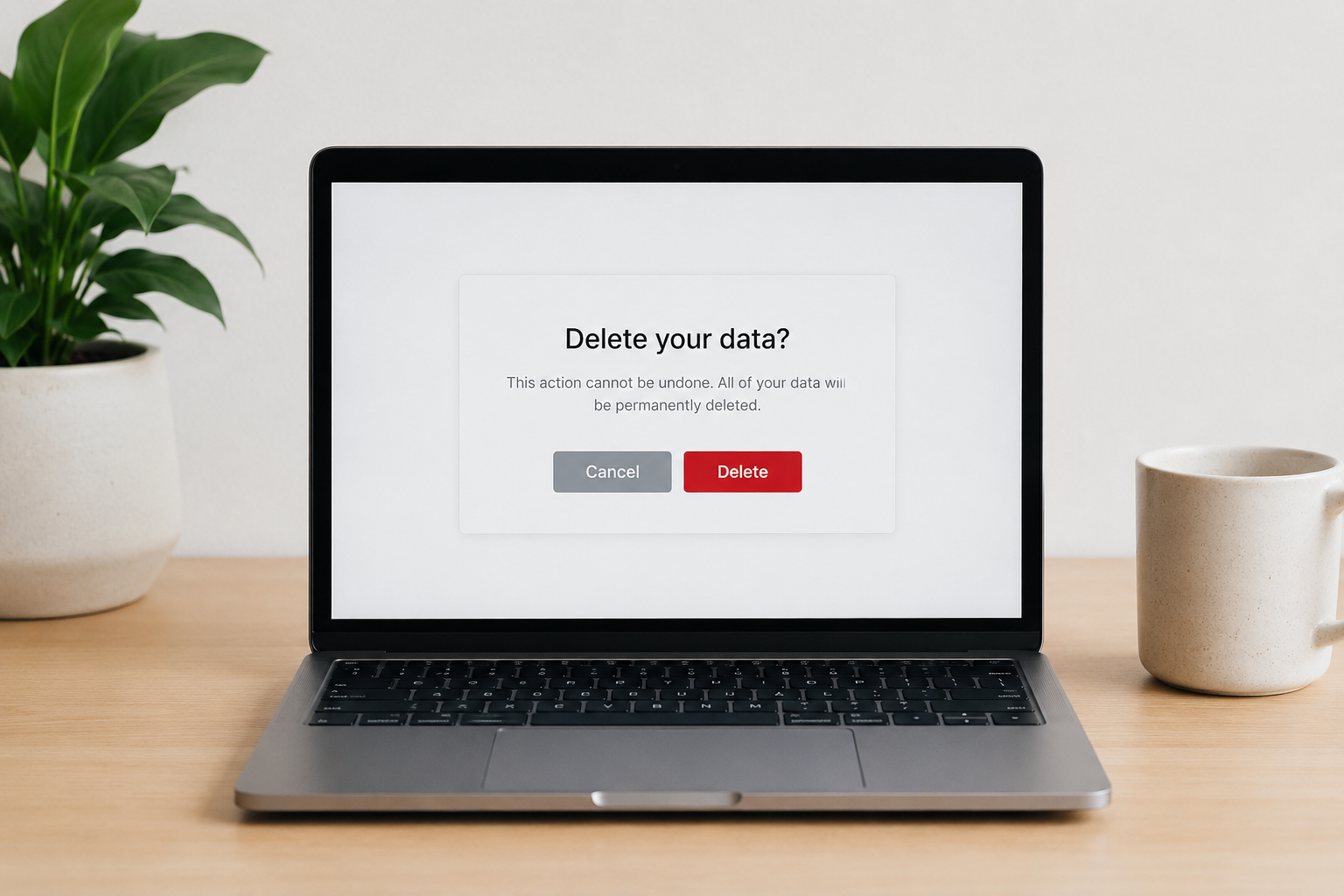
Why Deleting Gets Messy
People assume deleting an account wipes everything. Usually it does not. A service may erase your visible profile while still holding purchase records, location logs, support messages, or years of behavioral data inside backup systems.
That disconnect became harder to ignore after several major privacy scandals. In 2018, Facebook admitted that data from up to 87 million users had been improperly shared through Cambridge Analytica. Since then, regulators in Europe and several U.S. states pushed companies to offer clearer deletion tools. The tools exist now. The results vary wildly.
Some services process deletion requests within 24 hours. Others drag the process across 30 days or longer. Amazon stores order histories. Google keeps activity archives unless you remove them separately. TikTok delays full deletion for security hold periods that can stretch close to a month.
The cleanup takes patience.
A lot of platforms also count on friction. Tiny menu text, repeated password prompts, emotional “Are you sure?” screens — all designed to slow people down just enough that they stop halfway...
Where People Get Stuck
The first problem is forgotten accounts. Most people have created hundreds over the last 15 years: food delivery apps, travel sites, workout trackers, random forums opened once at 1 a.m. during a free-trial binge.
Old accounts become quiet liabilities. A breach at a service you forgot existed can still expose addresses, phone numbers, birthdays, and payment details years later.
Password reuse makes this worse. One leaked login from 2017 still opens doors if the same password appears elsewhere. According to Verizon’s Data Breach Investigations Report, stolen credentials remain one of the most common attack methods in consumer breaches.
Then there is the illusion of deletion. Some companies say “deactivated” when they mean hidden. Your profile disappears publicly, but the data keeps sitting there indefinitely.
That wording matters.
Subscription services create another trap. People cancel billing and assume the account vanished automatically. It rarely does. Streaming platforms, cloud storage tools, and shopping apps often keep profiles active long after payments stop.
How To Remove Yourself
Start with your email inbox
Your inbox already contains a map of your digital life. Search terms like “welcome,” “verify account,” “receipt,” and “reset password” uncover years of dormant accounts surprisingly fast.
Focus on the last 5 to 7 years first. Older accounts may already be inactive due to platform shutdowns or retention limits. Newer accounts still hold fresher behavioral data.
This step saves hours later.
Use Google Password Manager or Apple Keychain
Browsers remember more than people realize. Chrome’s Password Manager, Apple Keychain, Bitwarden, and 1Password all reveal stored logins tied to forgotten services.
Do not start deleting randomly. Make a simple spreadsheet first with account name, deletion status, subscription status, and whether payment details were attached. After 30 accounts, memory gets unreliable.
The list grows quickly.
Delete financial accounts first
Prioritize banks, shopping platforms, payment apps, and tax services before social media. Financial records carry higher fraud risks and usually contain home addresses plus partial card information.
PayPal, Venmo, Cash App, Klarna, and old crypto exchanges deserve attention even if balances sit at zero. Dormant finance accounts still attract takeover attempts.
Before deletion, download statements or invoices you may need later. Some platforms permanently lock access after closure.
Check separate data centers
Google, Meta, Microsoft, and Amazon split data controls across multiple dashboards. Removing one account setting does not automatically clear activity elsewhere.
For example, deleting a Google account differs from deleting Maps history, YouTube searches, voice recordings, and ad personalization logs. Meta separates Facebook profiles from Messenger history and Instagram data controls.
Large ecosystems stay fragmented on purpose.
Use privacy rights aggressively
Residents under GDPR in Europe and laws like California’s CCPA can request data access and deletion formally. Companies dislike these requests because they trigger compliance workflows with legal deadlines attached.
A short email often works:
“I am requesting deletion of all personal data associated with this account under applicable privacy law.”
Simple language works better than threats. Most companies respond within 30 to 45 days if the request arrives through official privacy channels.
Remove data brokers separately
Deleting apps does not erase broker databases. Companies like Whitepages, Spokeo, BeenVerified, and PeopleFinder collect addresses, relatives, age ranges, and phone numbers from public and commercial records.
Each broker has its own opt-out process. Some remove listings in 10 minutes. Others bury the forms several layers deep. Services like DeleteMe and Incogni automate parts of the process for annual fees usually ranging from $90 to $180.
Manual removal still works if you have patience.
Watch the 30-day window
Many platforms hold accounts in suspended states before final deletion. Instagram, Reddit, LinkedIn, and TikTok all use waiting periods that range from roughly 14 to 30 days.
Log back in during that period and the deletion request may cancel automatically. People accidentally revive accounts constantly because muscle memory kicks in while scrolling late at night...
That happens a lot.
Clean old devices too
Deleting cloud accounts while leaving old phones untouched misses half the problem. Retired laptops, backup drives, tablets, and forgotten USB sticks often contain years of cached data.
Factory resets help, though proper drive wiping matters more for computers. Apple, Microsoft, and Google all publish reset guides tied to account removal workflows.
Old hardware lingers quietly.
Real Cases, Real Problems
In 2023, Mozilla researchers reviewed popular car brands and found that many collected enormous amounts of driver data through companion apps and vehicle systems. Some gathered voice interactions, location histories, biometric signals, and driving behavior patterns. Consumers often had no clear deletion path available through the dashboard itself.
The backlash pushed several automakers to revise privacy disclosures and tighten consent prompts. The larger lesson sat elsewhere: people routinely underestimate how many services collect data outside traditional social media.
Another example came after X, formerly Twitter, changed ownership and policy structures in 2022. Waves of users attempted to leave the platform at once. Many realized too late that deleting tweets manually before account closure took enormous effort unless they used tools like TweetDelete or archive exports first.
Deletion works differently at scale.
A person with 14 years of posts, messages, location tags, and media uploads faces a much slower cleanup than someone closing a food delivery app used twice.
Deletion Checklist
| Area | Risk | Action | Time |
|---|---|---|---|
| High | Audit logins | 1hr | |
| Finance | High | Close accounts | 2hr |
| Social | Medium | Export data | 1hr |
| Brokers | High | Opt out | 3hr |
Common Cleanup Mistakes
People often rush into deletion without downloading records first. That becomes painful during tax season, charge disputes, or warranty claims months later.
Another mistake is deleting the email account before everything else. Once the inbox disappears, password reset links and confirmation messages vanish too. Suddenly old accounts become inaccessible but still active.
Delete the accounts first. Kill the old email last.
Many users also trust “unsubscribe” buttons too much. Marketing emails stopping does not mean personal data disappeared from the company database. Those are separate systems.
Some people focus entirely on social media while ignoring shopping platforms and health apps. Fitness trackers, fertility apps, and medication services often collect extremely sensitive information tied to routines, locations, and biometrics.
The quiet apps matter more.
Finally, people underestimate emotional friction. Old accounts contain photos, messages, playlists, old usernames from college, fragments of previous lives. Cleanup sounds technical until nostalgia enters the room...
FAQ
Does deleting an account erase all data?
Not always. Some companies retain billing records, legal compliance logs, or backup archives after account closure. Policies differ widely between services.
How long does full deletion usually take?
Most platforms complete deletion within 14 to 45 days. Security hold periods often delay the final removal stage.
Can deleted data still appear in breaches?
Yes. If a company suffered a breach before your deletion request processed, exposed data may already exist in criminal databases or public leak archives.
What are data brokers?
Data brokers collect and sell personal information gathered from public records, apps, retailers, and marketing partnerships. They often operate separately from the services you directly use.
Should I use a paid removal service?
Paid services save time if you need broad broker removals across dozens of databases. Manual opt-outs still work for people willing to handle requests individually.
Author's Insight
I have spent enough time cleaning old accounts to know the process feels less like “privacy management” and more like digital archaeology. Forgotten forums from 2011, abandoned shopping carts, travel sites tied to expired cards — the internet keeps copies of us longer than we expect.
If I were starting fresh today, I would create fewer accounts, use alias emails aggressively, and think twice before handing personal details to apps that barely explain why they need them. The hardest part is not deletion itself. It is realizing how many places already have the data.
Summary
Deleting your data from online services takes more than pressing one button. Accounts hide across inboxes, password managers, shopping apps, and broker databases that continue collecting information long after people stop using them.
Start with financial accounts, export records before closure, use privacy law requests where available, and treat data brokers as separate cleanup targets. The process is slower than most people expect. Still worth doing.